Description
Batch files are text files that contain a list of commands to be executed automatically by the operating system.
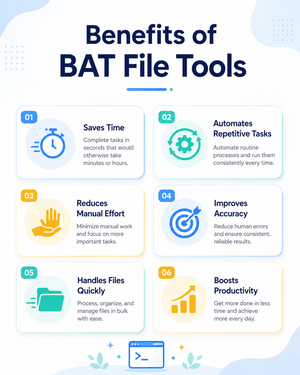
They are mainly used to automate repetitive tasks in Windows.
- Bulk Rename Files.bat – Renames multiple files in a folder automatically in one go.
- Check system configuration.bat – Displays basic system configuration and computer details.
- Copy of Files with Extension from Folder.bat – Copies files of a specific extension from one folder to another.
- Count of Files in Folder.bat – Counts the total number of files available in a selected folder.
- Open Websites After Confirmation.bat – Opens selected websites after taking user confirmation.
- Opening of Multi Files – Read Only.bat – Opens multiple files in read-only mode to avoid accidental changes.
- Random password generator.bat – Generates a random password automatically using batch commands.
- Start Clock.bat – Starts or displays a clock using a batch file command.